




Activity Instruction Page
💡 Tip: When the print window opens, change the destination dropdown to ‘Save as PDF‘ to download this guide.
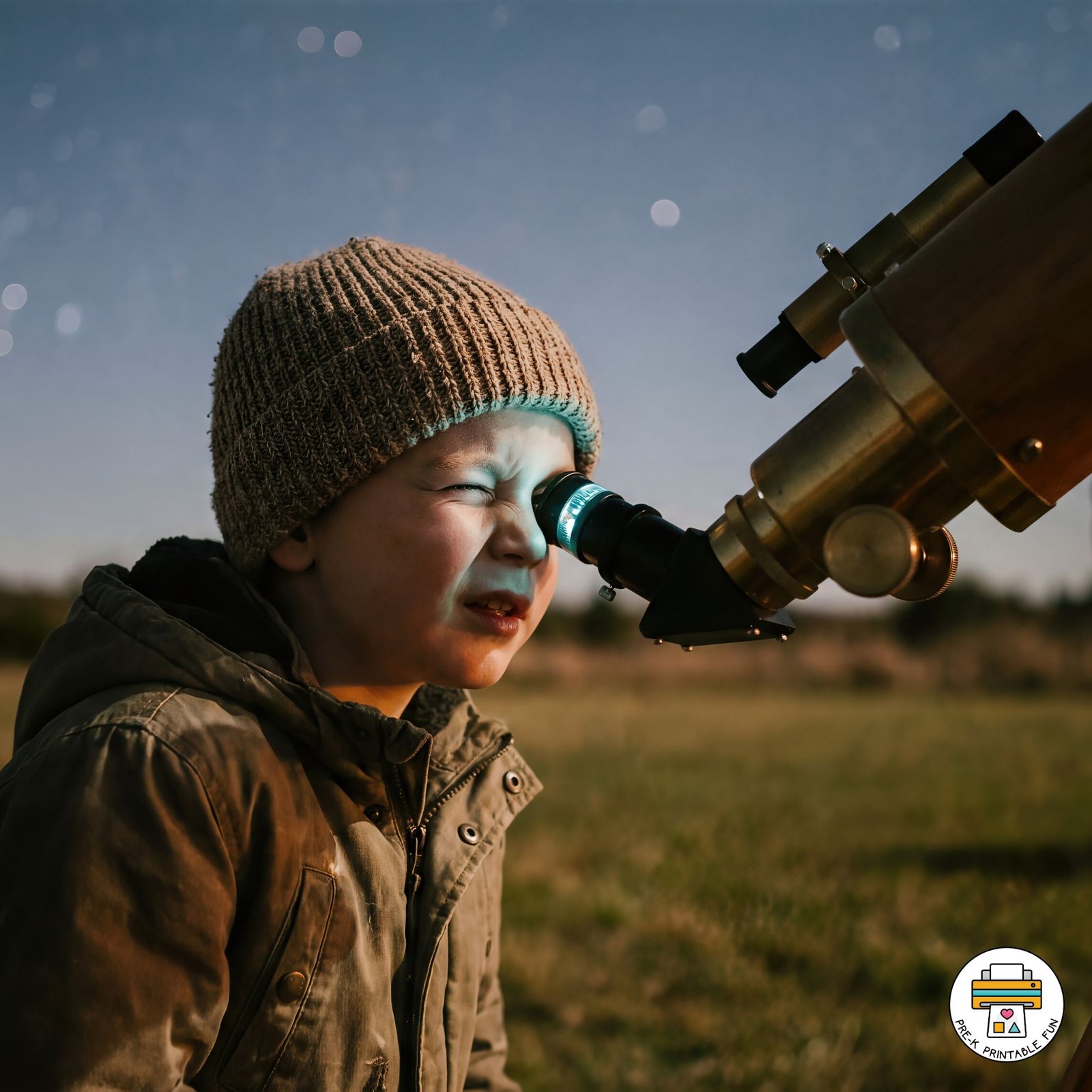
Star Gazing
- Activity Type: Hands-On Activity
- Theme: Outer Space
- Learning Center: Science & Discovery Center
Use an app like Night Sky to explore a virtual representation of the sky to identify stars, planets, and constellations.
Materials & Direction
Materials List:
1. Tablet or smartphone with Night Sky app
2. Blanket or towel for lying on the ground
Preschool Learning Objectives:
1. To introduce preschoolers to the concept of stars and planets in the night sky.
2. To encourage curiosity and exploration of the world around them.
3. To practice observation skills and identify basic constellations.
Teacher Instructions:
1. Begin by introducing the concept of stars, planets, and constellations to the preschoolers. You can show them pictures or books to help them understand.
2. Take the children outside to a clear area where they can lie down comfortably and look up at the sky.
3. Open the Night Sky app on the tablet or smartphone and point it towards the sky. The app will show a virtual representation of the stars, planets, and constellations that are visible at that time.
4. Encourage the children to use the app to identify different stars, planets, and constellations. Ask them questions like “Can you find the Big Dipper?” or “Which planet is the brightest in the sky?”
5. Allow the children to take turns using the app and exploring the night sky.
6. Teacher Tips for differentiated instruction:
– For children who may struggle with using the app, provide extra support by guiding their finger on the screen.
– For children who are more advanced, encourage them to draw the constellations they see in the sky on a piece of paper.
– For children with a strong interest in space, consider extending the activity by reading books about space or doing a related art project.
